

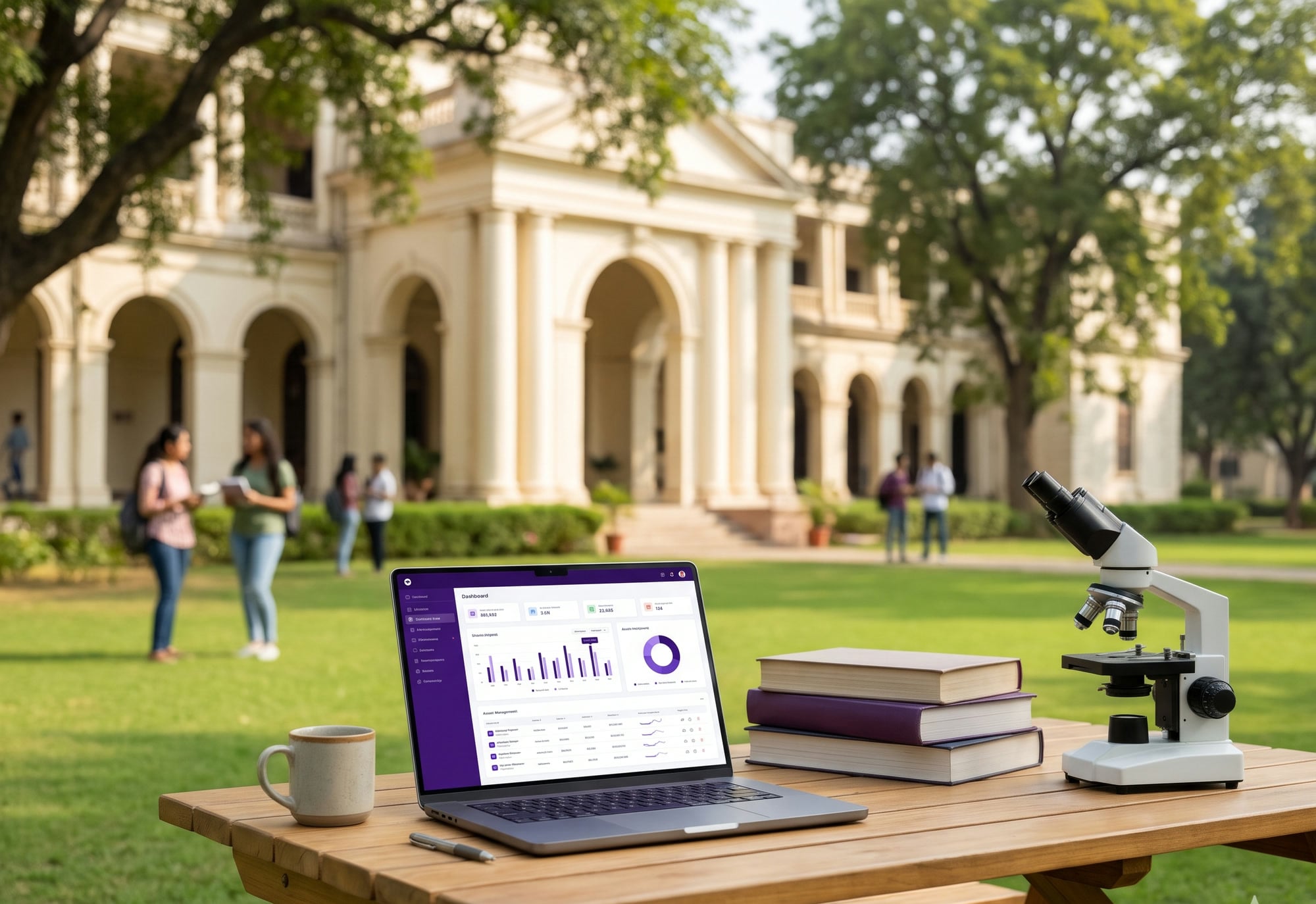
See CareerBook ERP™ in Action
Explore authentic product walkthroughs, feature demonstrations and expert sessions.
How to Get the Most from Our Videos
Follow these simple steps to explore, learn and apply.
- 1
Choose a Video
Browse by topic or solution and pick the video you need.
- 2
Watch & Learn
Follow the step-by-step product walkthrough.
- 3
Apply at Your Institution
Use the insights to plan, configure or roll out the feature.
Frequently Asked Questions
Are these real product videos?
The videos marked “Demo Video (Illustrative)” use sample data to show how CareerBook ERP™ works. Final product walkthroughs are being produced and will replace them as they are published.
Do I need to sign in to watch the videos?
No. The video library is open to everyone; no account or sign-in is needed.
Can I request a video on a specific feature?
Yes. Contact our team with the feature or workflow you would like to see, and we will share a relevant video or walk you through it live.
How can I get a personalised demo?
Request a demo and our team will arrange a guided walkthrough focused on your institution’s modules and processes.
Prefer a Guided Demonstration?
Get a personalised walk-through of CareerBook ERP™ for your institution.